Installing on Weebly
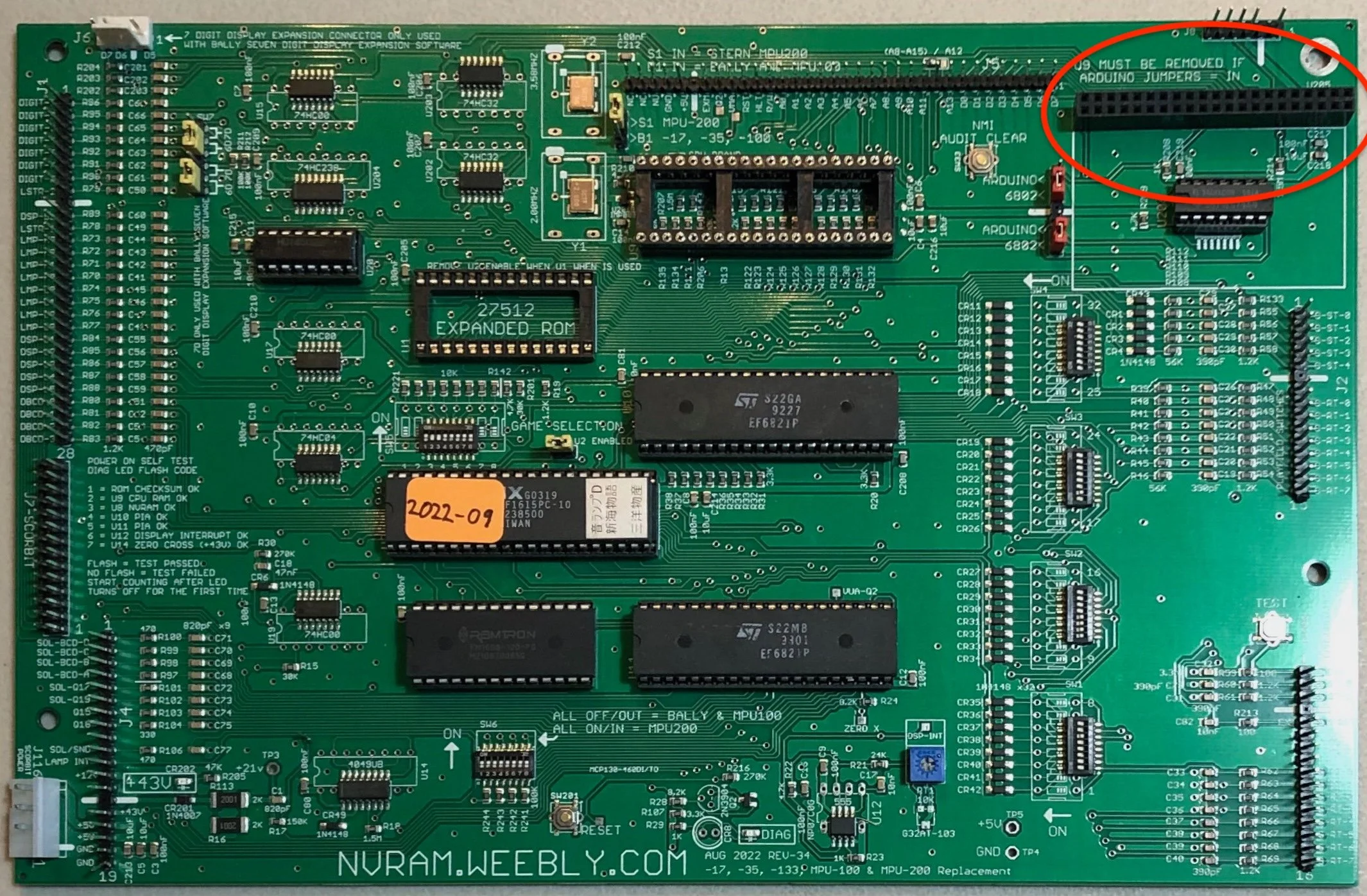
If you have a Weebly MPU (rev 34 or later), you can switch your game to new RPU rules without needing an RPU board! The Weebly has a port just for the Arduino, so you can run new rules with fewer parts. The tradeoff is that switching back and forth between original code and new code isn’t that easy. Check your Weebly documentation, but I think the steps are these:
Remove your 6802 Process from the Weebly board
Change two jumpers to enable the Arduino support (they’re in the upper-right corner of the board)
Plug in an Arduino and/or WAV trigger
Although you don’t need the RPU board, you’re still going to need some parts. And, this is a DIY project — there will be some soldering involved. The Arduino should come with all the headers you need, but they’re not soldered into the board. If you’re not comfortable with soldering, you might want to go look for a kit.
Here’s a list with some (hopefully still working) links:
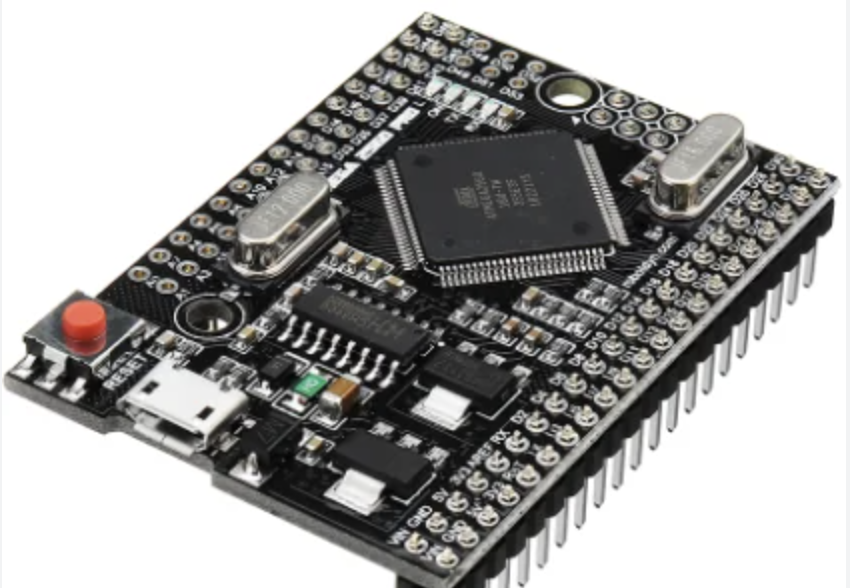
MEGA 2560 Pro
Arduino 2560 MEGA Pro (make sure it’s the MEGA Pro)
Cable for WAV Trigger - you don’t need this many but this is the type of cable you want
SD Card (Ultra microSDHC UHS-I) - anything 1GB or more would be fine
You’ll need a couple of male header pins for the WAV trigger, too. The Arduino only needs one connector soldered (the one that will plug into the Arduino, so you could cut down some of the extra pins you get from that if you don’t want to buy a million pins just for the 6 you need on the WAV trigger.
Check here for general information on building an RPU board. There are some pictures that might make the end results easier to understand.

Once you get all that built and connected, you’ll need a set of speakers. On some games, people patch into the amp of the existing sound card. That’s not my area of expertise, but you can see RoyGBev’s cable that does this.
I use these speakers and I usually make a topper for them.
You can find more build instructions here.